

Description
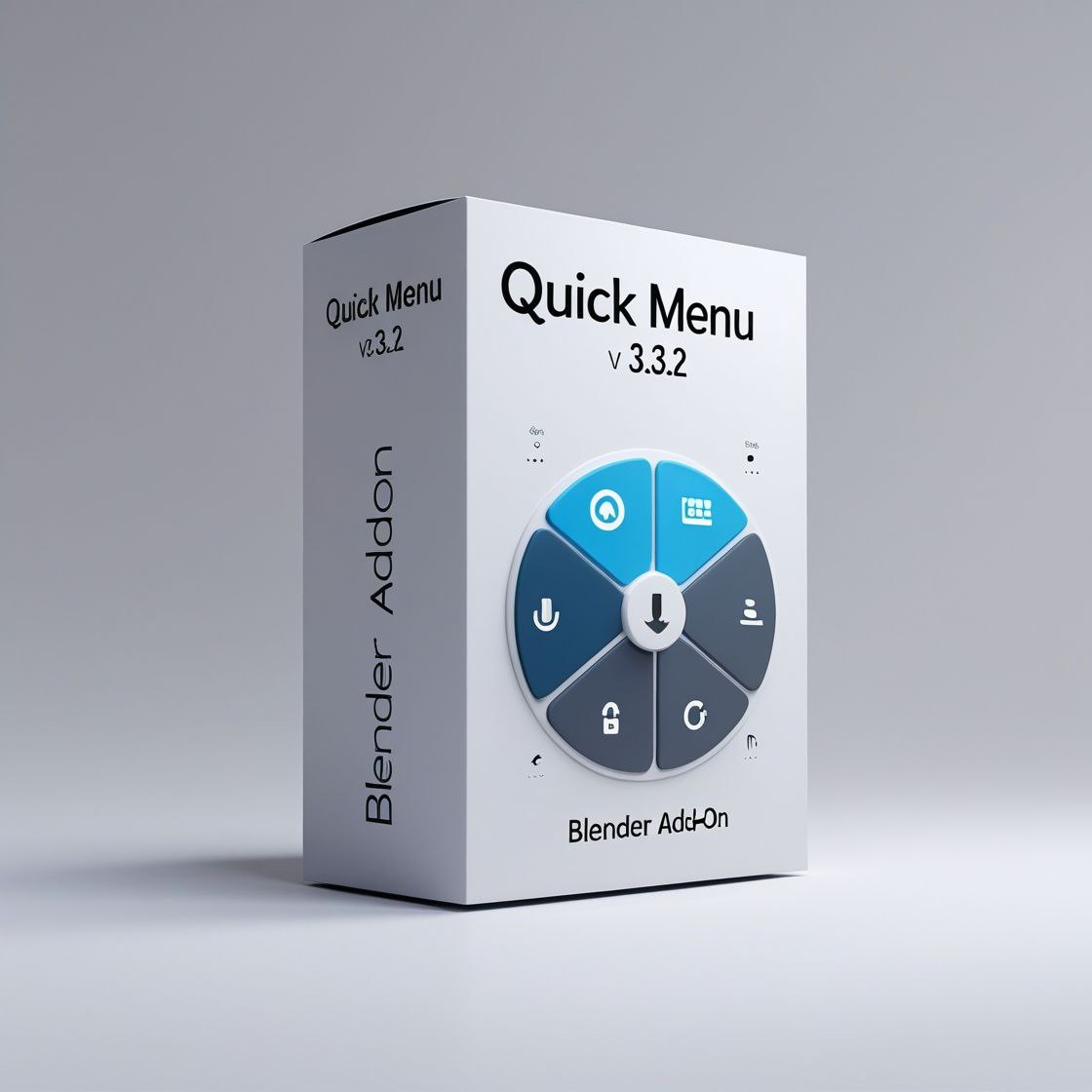
Quick Menu enhances Blender’s interface with a customizable, fast-access menu for frequently used tools and commands. Easily install it by opening Blender, navigating to Edit > Preferences > Add-ons, clicking ‘Install from Disk’, locating your downloaded file, and enabling the add-on in the list.






There are no reviews yet.